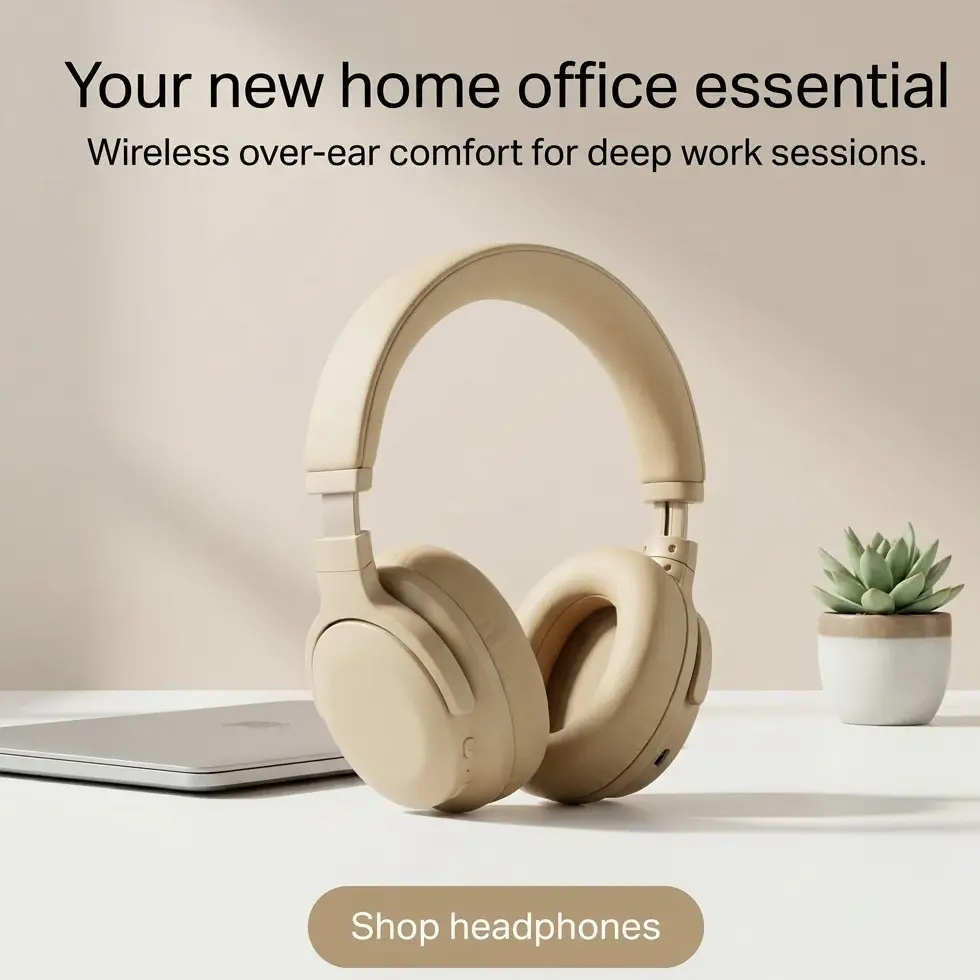
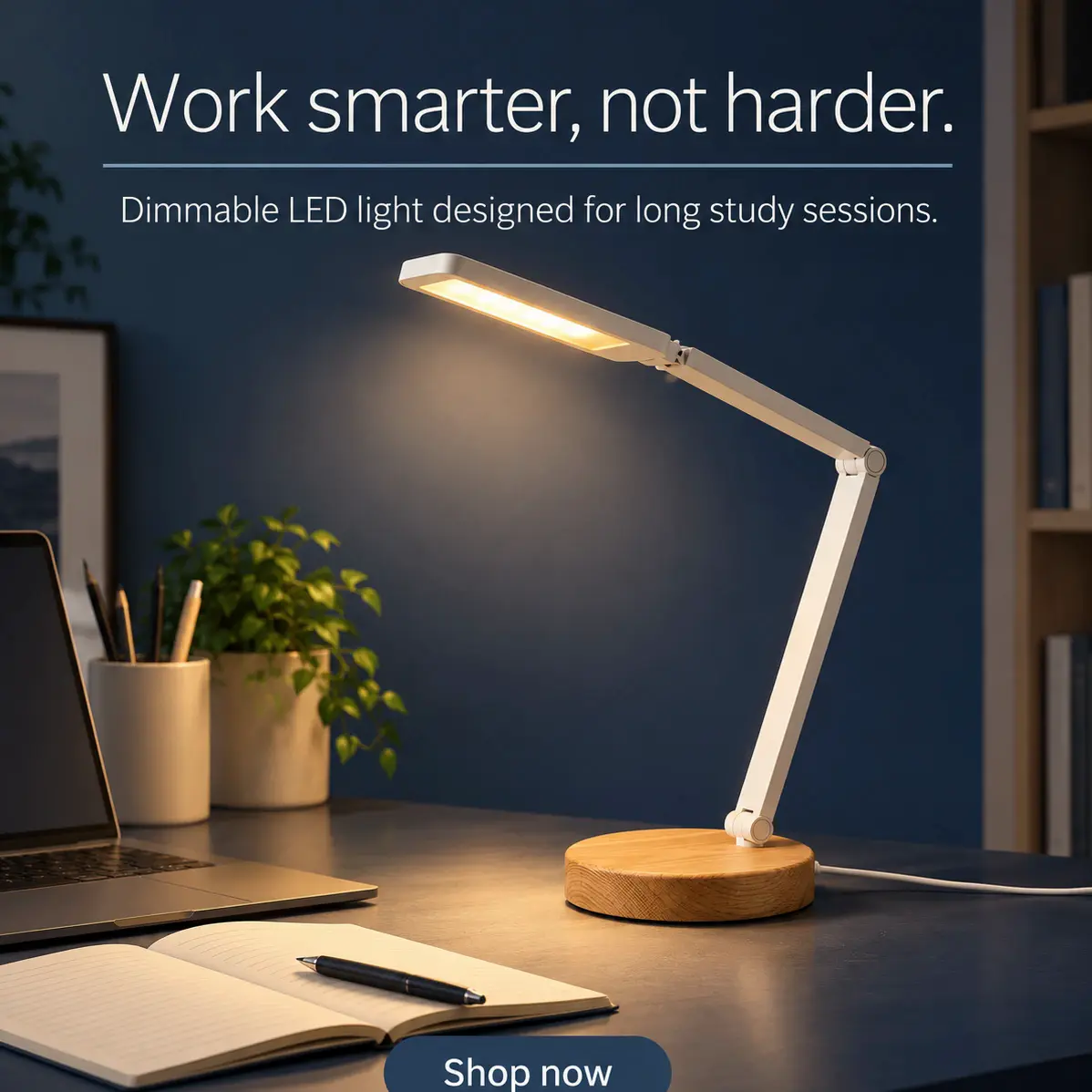
Static Ad Sizes for Meta and TikTok: 1:1, 4:5, 9:16
Which aspect ratio each static ad placement uses on Facebook, Instagram and TikTok, the pixel sizes to export, and how to plan one ad for all of them.
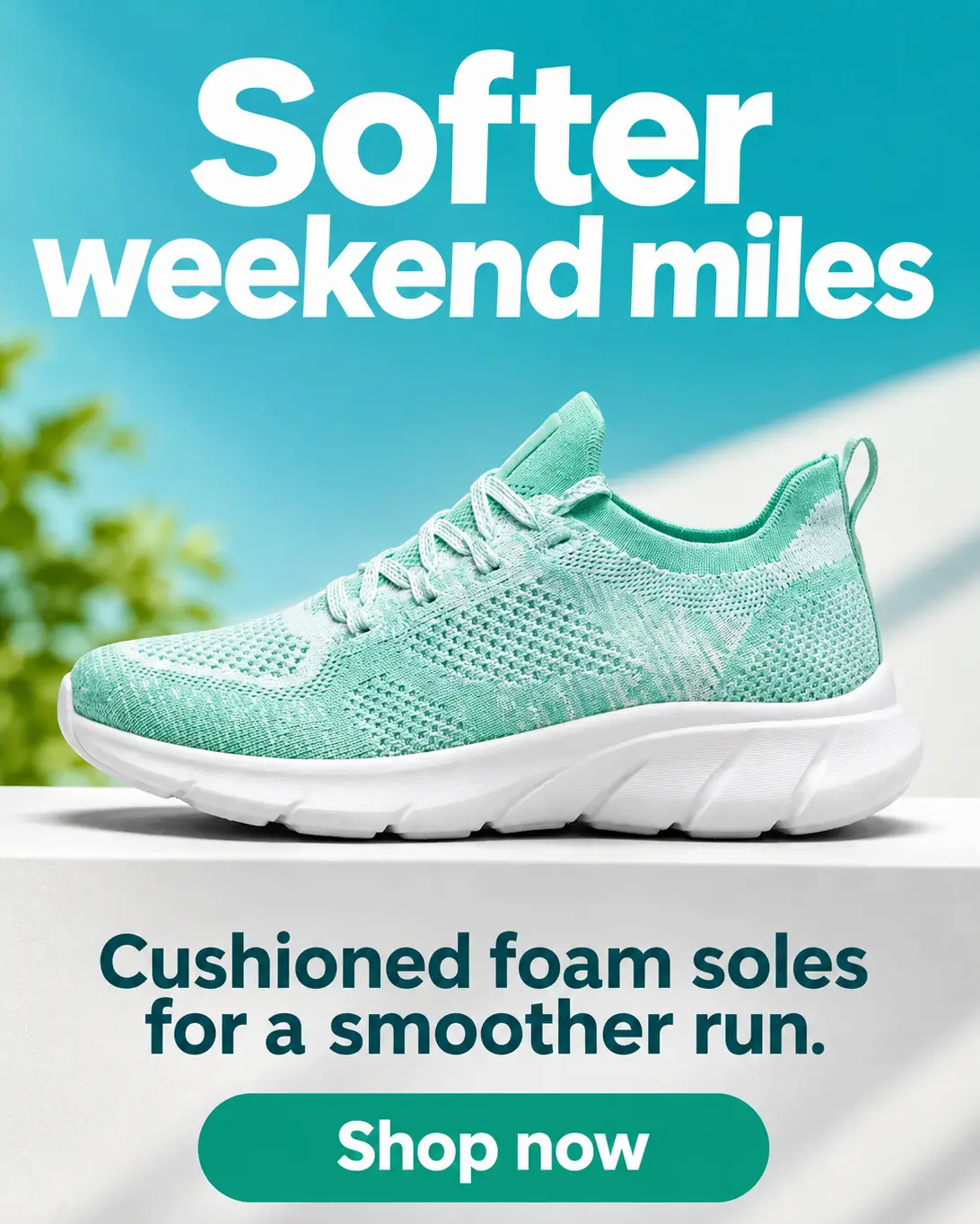
Most static image ads on social platforms come down to three shapes: square 1:1, portrait 4:5 and full-screen 9:16. A fourth, landscape 16:9, covers many display and video-adjacent spots. If you design for these four and keep the important parts away from the edges, one product photo covers nearly every placement you will buy. This guide lists the common recommended sizes and shows how to plan an ad so it survives every crop.
AI Ad Gen is independent and not affiliated with Meta, Facebook, Instagram or TikTok. Platforms change their specs; always check the platform's current ad specs before you launch a campaign.
The four shapes at a glance
| Shape | Ratio | Common export size | Where it usually runs |
|---|---|---|---|
| Square | 1:1 | 1080 × 1080 px | Facebook and Instagram feeds, most marketplaces |
| Portrait | 4:5 | 1080 × 1350 px | Facebook and Instagram feeds (takes more of the screen) |
| Story | 9:16 | 1080 × 1920 px | Stories, Reels, TikTok in-feed |
| Landscape | 16:9 | 1920 × 1080 px | Display, YouTube-adjacent and link placements |
These are the sizes most ad tools and the platforms' own guides recommend for static images. Larger files at the same ratio are fine; smaller ones can look soft on high-density phones.
Facebook and Instagram feeds: 1:1 or 4:5
In a mobile feed, a taller image takes up more of the screen while someone scrolls. That is why many advertisers prefer 4:5 for feed ads and keep 1:1 as the safe default that fits everywhere, including the right column on desktop and catalogue-style placements.
Tips for feed ads:
- Put the headline in the top third and the product large in the middle.
- Keep the button text in the bottom band, but away from the very edge.
- Feed captions sit outside the image, so the image only needs the headline, an optional sub-line and the call to action.
Stories, Reels and TikTok: 9:16
Full-screen placements cover the whole phone. The platform draws its own interface on top: the account name and progress bar at the top, the caption, buttons and call-to-action bar at the bottom. A common rule of thumb is to keep roughly the top 14% and the bottom 20% of a 9:16 image free of text and key product details. On a 1080 × 1920 image that is about 270 px at the top and 380 px at the bottom.
Keep the headline in the upper middle, the product centred, and the button just above the bottom safe zone. Reels and TikTok cover more of the lower part with captions and buttons than plain Stories do, so leave a little extra room there.
Landscape 16:9
Landscape works for display networks, link previews and some video-adjacent spots. The product usually goes on one side and the text stacks on the other. Landscape is also the shape that suffers most when a square or story design is simply cropped, so draw it as its own layout instead of cutting it out of another ad.
Plan one ad for every shape
You do not need a different idea per size. You need one idea laid out four ways:
- Fix the words first. One headline, one optional sub-line, one button. The shorter the headline, the better it scales from a wide landscape to a narrow story.
- Keep the product whole. Do not let any placement cut off the product. If it only fits one shape, change the scene, not the product.
- Leave margins. Treat the outer 5–10% of every shape as a margin where nothing important lives.
- Check every size at phone size. Shrink each ad to the width of a phone in your hand. If you cannot read the headline, it is too long or too small.
Draw all four sizes in AI Ad Gen
The AI Ad Gen studio draws each size as its own layout instead of cropping one image:
- Upload a product photo and write what it is; press Write 4 angles.
- Pick the angles you want, then pick the sizes: Square 1:1, Portrait 4:5, Story 9:16, Landscape 16:9. Each angle × size is one ad, and the cost shows before you draw.
- For story ads the layout keeps the top and bottom safe zones free of text.
- Already have a finished ad you like? Use Resize on it to redraw it at another placement with the same text and product.
- Download each ad, or the whole set as a ZIP.
A quick pre-launch checklist
- The ratio matches the placement you are buying.
- The file is at least the common export size for that ratio.
- No text or product detail sits in a story's top or bottom safe zone.
- The headline is spelled exactly as you wrote it (see how to check AI ad text).
- You checked the platform's current spec page for anything that changed.
Start with a square and a story version of your best angle, then add 4:5 and 16:9 once you know which ad you will keep. Try it with your own product or see plans and packs.
Make your own ads
Upload a product photo, pick angles and sizes, and see the price before anything is drawn.