How to Check AI Ad Text Before You Run It
Check AI ad text before you run it: spelling, the product, provable claims, phone-size readability and platform rules, plus how to fix what you find.
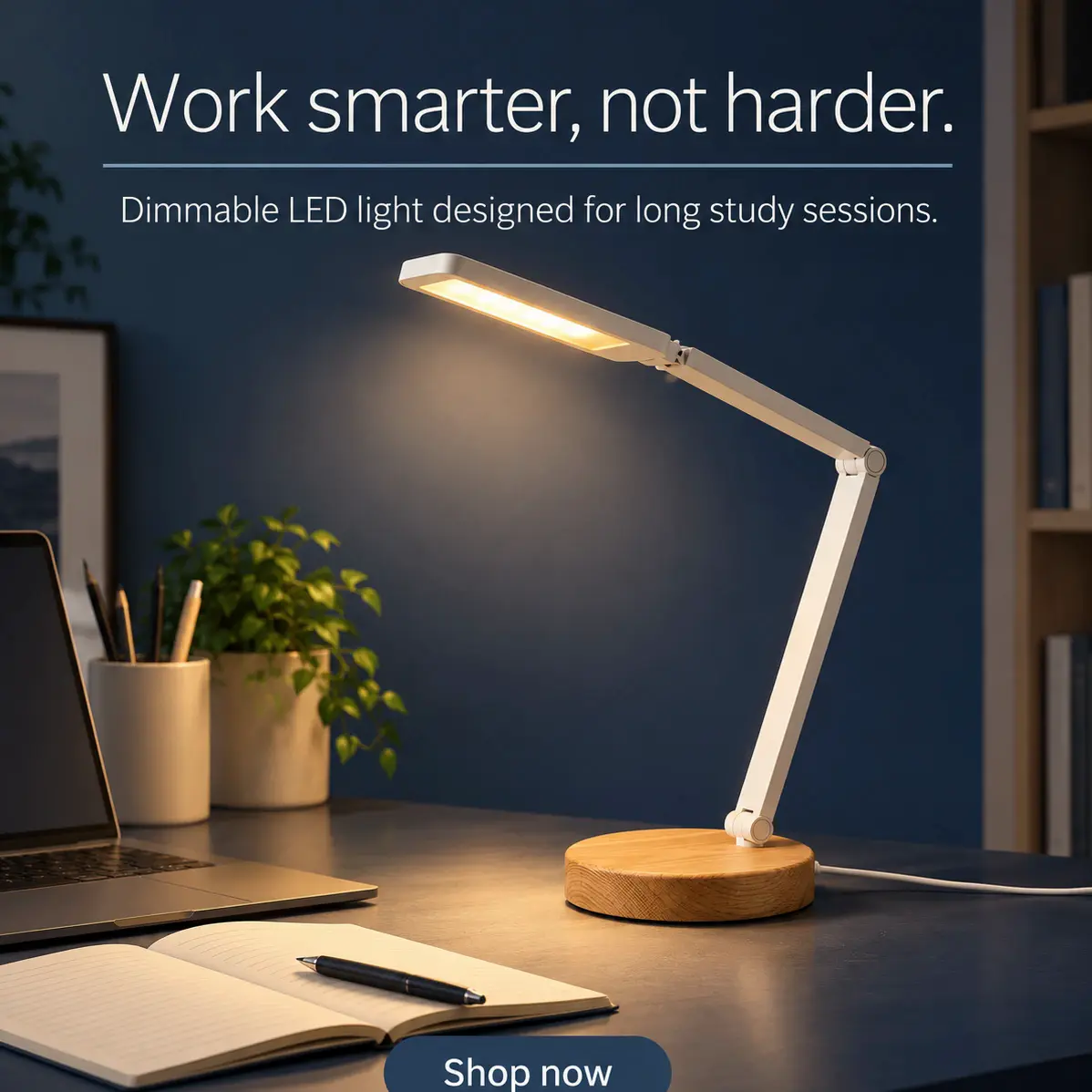
Image models are now good at setting text inside a picture, but "good" is not "always". A headline can come back with a doubled letter, a button can lose a word, a logo can blur, and the product can drift from what is really in the box. Five minutes of checking before you upload an ad to an ad platform catches nearly all of it. This is the check we use, and how to fix each problem in AI Ad Gen without starting over.
1. Read every word, letter by letter
Read the headline, sub-line and button text slowly, out loud, against what you typed. Common slips to look for:
- A doubled or missing letter ("Shopp now", "Hand-pured").
- A word swapped for a similar one, especially in long headlines.
- Punctuation that moved or vanished: apostrophes, hyphens, the dash in "hand-poured".
- Mixed languages, if your brief mixed them.
Short text fails less often. If a headline keeps coming back wrong, cut it to fewer words before you redraw.
2. Check the product against the photo
The ad should show your product, not a cousin of it. Compare the ad with your original photo:
- Shape, colour and proportions match.
- Labels, printed text and logos on the product itself are not garbled.
- Nothing was added that the real product does not have, such as an extra button or a different lid.
If the product changed, redraw with a cleaner photo: the product alone, well lit, with nothing in front of it. A busy photo gives the model more to guess.
3. Every claim must be one you can prove
Ad platforms review ads, and customers read them literally. Look at each claim and ask whether you could back it up today:
- Prices and discounts only if they are real and current.
- Ratings, reviews, "best-selling", "#1" or awards only if true and verifiable.
- Health, medical, financial or before/after claims are restricted on most platforms and best left out.
- Other brands should not appear in your ad unless you have the rights to show them.
AI Ad Gen's angle writer does not invent prices, discounts, ratings or awards; any number in the drawn text comes from your brief. That still leaves you responsible for the brief being true.
4. Read it at phone size
Most people will see your ad on a phone, at full speed, for a second. Shrink each ad to the size of a phone screen and look away, then back:
- Can you read the headline in one glance?
- Is the button text clear, and does it look like a button?
- Is the product the first thing you notice, or the background?
If the answer to any of these is no, shorten the headline or ask for a simpler scene.
5. Check the placement's safe zones
Full-screen story ads have the platform's interface on top of them. Make sure no text or product detail sits under the top bar or behind the caption and button area at the bottom. Our guide to static ad sizes for Meta and TikTok has the common safe-zone rule of thumb. For square and portrait feed ads, keep a margin from every edge.
6. Match the button to the landing page
"Shop now" should lead to the product. "Get the bundle" should lead to the bundle. A mismatch between the ad and the page wastes the click and can get an ad flagged.
How to fix what you find in AI Ad Gen
Every finished ad in the studio has three edits, each a new ad that keeps the original in your set:
- Change text: retype the headline, sub-line or button. The product and scene stay; the text is redrawn.
- New scene: describe a new setting ("on a marble counter in morning light") when the background distracts or looks wrong.
- Resize: redraw the same ad at another placement, for example from square to story.
If the product itself changed, a fresh draw from a cleaner photo usually works better than an edit. For a second set of headlines to test, see how to write 4 ad angles from one product photo.
The five-minute checklist
- Headline, sub-line and button spelled exactly as written.
- Product matches the photo: shape, colour, label.
- Every claim is true and provable; no restricted claims.
- Readable at phone size in one glance.
- Nothing in the safe zones; margins on every edge.
- Button matches the landing page.
Run the check on every ad, not just the first one in a set: each image is drawn on its own. When everything passes, download the ads one by one or as a ZIP and upload them to your ad manager. Make your first set or compare plans.
Make your own ads
Upload a product photo, pick angles and sizes, and see the price before anything is drawn.